How to choose
Choosing smart home devices that still work in five years
The radio, the hub and the support window decide whether a smart home survives five years. Here is how to read all three before you buy anything.
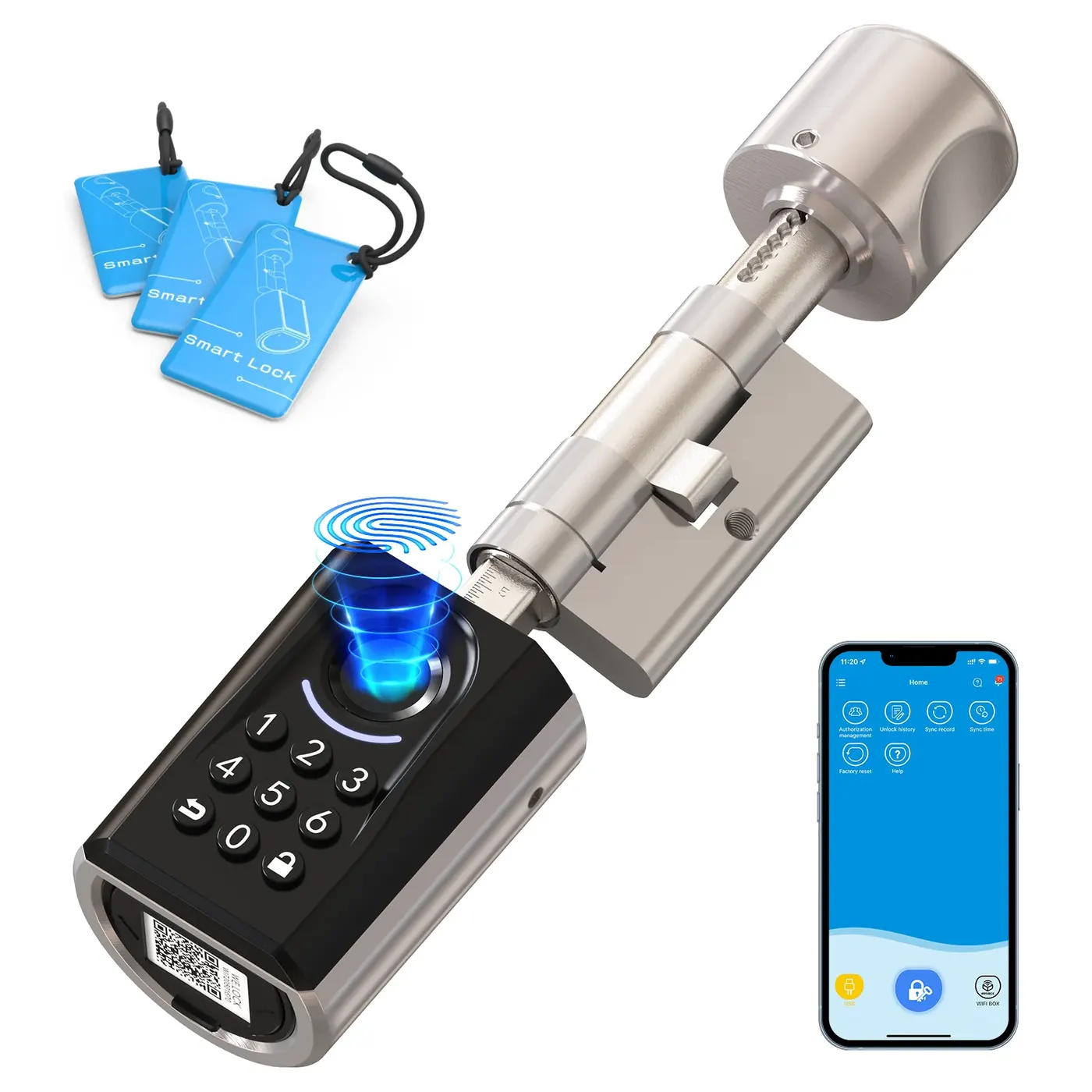
Almost every smart home that gets ripped out again was decided in the first purchase, not the tenth. The first device sets the radio, the radio sets the hub, and the hub sets which of the next twenty devices will work with the routines you have already written.
This guide works through that order: radio first, support window second, replacement cost third, privacy settings fourth. It uses one example basket of 14 devices throughout, and the same basket appears in the other two guides on this site so the arithmetic lines up.
Start with the radio, not with the device
Wi-Fi devices join your router directly and need no hub, which is why they are the easiest to set up and the easiest to lose. Many of them route every command through the manufacturer's servers, so a retired cloud service or a closed account takes the device with it. Zigbee, Thread and Z-Wave devices talk to a hub inside your home instead, which means a schedule you wrote keeps running when the internet does not.
There is a five-minute test for this that costs nothing. Unplug the modem, leave the Wi-Fi itself running, and see which devices still respond to the app and to the wall switch. Anything that goes silent has a dependency you did not choose, and that dependency is what decides whether the device is still useful in 2031.
Mixing radios is normal and harmless on its own. Mixing ecosystems is the expensive version: two hubs, two apps and two accounts across 14 devices means every routine has to be built twice, and any routine that spans both will break on whichever side is slower to respond.
| Radio | Needs a hub or bridge | If the internet drops | Usually found in |
|---|---|---|---|
| Wi-Fi | No | Cloud-only models stop responding; local-control models keep working | Cameras, plugs, speakers |
| Zigbee | Yes | Routines held on the hub keep running | Bulbs, sensors, plugs |
| Thread | Yes, a border router | Routines held on the hub keep running | Bulbs, sensors, locks |
| Z-Wave | Yes | Routines held on the hub keep running | Locks, sensors, blinds |
| Bluetooth | No, but range is a room | Control works only from inside that room | Locks, trackers |
This describes how each radio is designed to behave, not a test of particular models. The only way to know what a given device does is the unplug test above.
The support window is the real lifespan
An LED rated for 25,000 hours, switched on 3 hours a day, holds about 23 years of light. Nothing in a smart bulb is supported for 23 years. The parts that expire are the radio firmware and the account it signs in to, and they expire when a manufacturer stops publishing updates or moves the product line into a different app.
There is no label that tells you this. Natural Resources Canada requires an EnerGuide label on eight appliance categories, including clothes washers, dishwashers, freezers, electric ranges, cooktops and ovens, refrigerators and room air conditioners, and makes the label voluntary on five heating and cooling categories such as furnaces and water heaters. Smart bulbs, plugs, hubs, speakers and cameras appear on neither list, so nothing on the carton has to state the draw, the efficiency or the support period.
What you can check takes about 10 minutes per product. The Office of the Privacy Commissioner of Canada tells buyers to ask whether the manufacturer will provide security updates in future, and to look at whether the maker follows a recognised security standard. Where no support date is published anywhere in writing, price the device as if it is supported until the next product launch, because that is the only assumption the evidence supports.
- Find the firmware release notes and read the date on the most recent entry
- Check whether the device pairs with a generic Zigbee, Thread or Z-Wave hub as well as the vendor's own
- Look for a written statement of how long security updates will be issued
- Confirm the device still does something useful with the account deleted: a bulb that only dims from the cloud becomes a plain bulb the day the cloud closes
- Search the device name in the Government of Canada recalls database, which held 19,875 active alerts and 14,449 archived alerts when this guide was checked
Count the swap, not the single device
The number that matters is not the price of one bulb. It is the price of replacing everything that shares an ecosystem, because that is what a discontinued hub actually costs. The example basket below is 14 devices at $590 of hardware before tax, and the whole basket is what a change of platform puts at risk.
Spread over 5 years, that basket is $118 a year of hardware. Spread over 3 years, because the hub was retired early, it is about $197 a year. The difference between those two figures is larger than most people's entire smart home electricity bill, and it is settled by the support window rather than by the build quality.
Sticker prices in Canada exclude GST/HST, which is added at the till. On $590 of hardware the Canada Revenue Agency's rate table puts the tax at $29.50 in the 5% provinces and territories and $76.70 in Ontario at 13%. That $47.20 gap is almost exactly a year of standby electricity for the same basket, which the budget guide on this site works out at $47.
| Device | Count | Example price each | Subtotal |
|---|---|---|---|
| Smart bulb | 6 | $25 | $150 |
| Smart plug | 4 | $30 | $120 |
| Hub or bridge | 1 | $90 | $90 |
| Smart speaker | 1 | $70 | $70 |
| Indoor camera | 2 | $80 | $160 |
| Whole basket | 14 | — | $590 |
These are illustrative prices chosen to make the arithmetic visible. This site has no price feed, sells nothing and has tested none of these devices.
Privacy settings belong in the specification
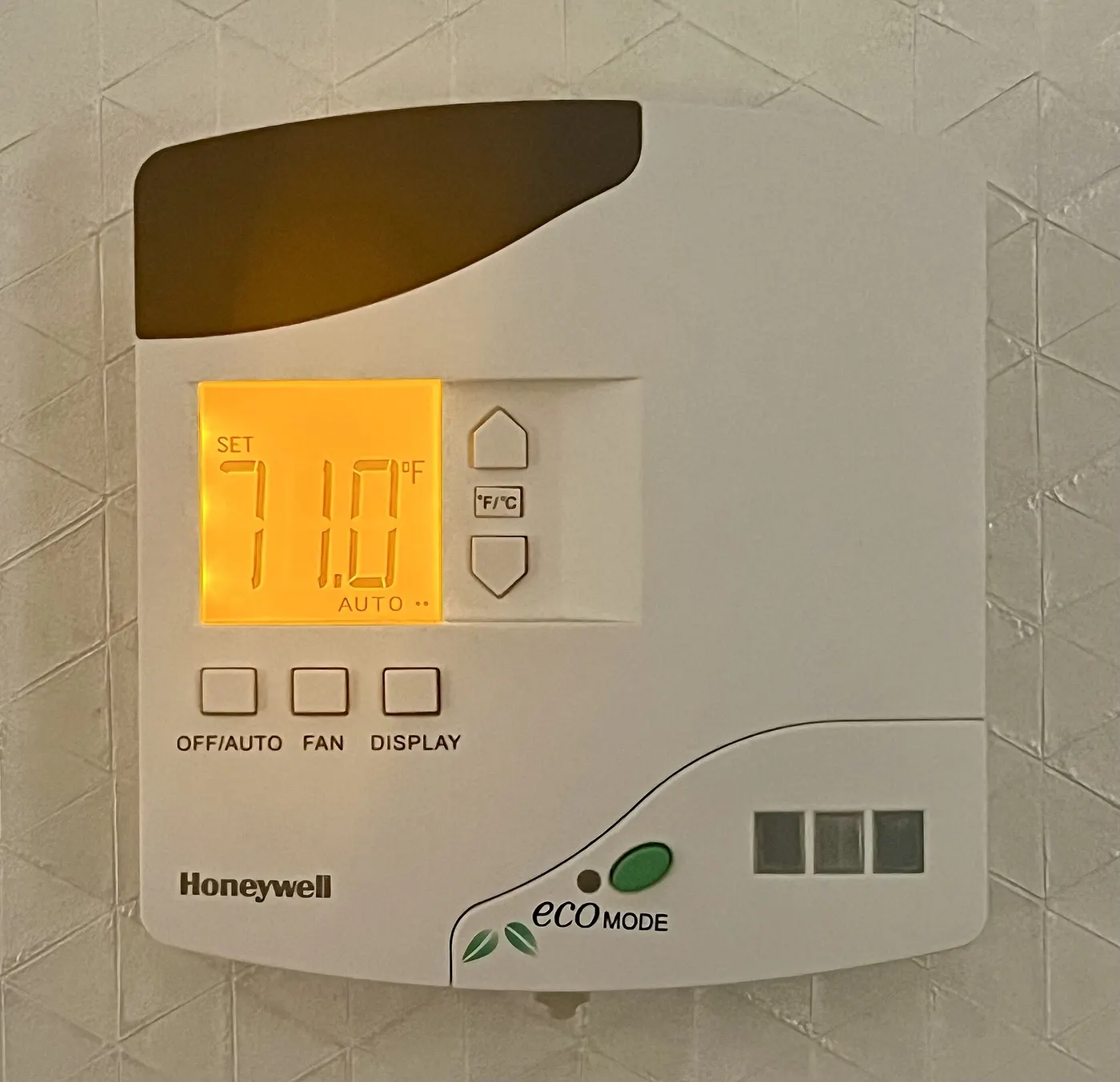
A microphone and a camera are part of the product, not an accessory to it, and the Office of the Privacy Commissioner treats them that way. Its guidance for Canadians tells buyers to find out what personal information the device collects, whether it is shared with third parties, how long it is kept and whether it can be deleted, all before the purchase rather than after the first firmware update.
Three of its recommendations change which device you buy rather than how you set it up. It advises avoiding devices with always-on microphones, activating only the functions you actually want, and confirming the manufacturer will issue security updates. A speaker whose microphone cannot be muted in hardware fails the first of those three on the shelf.
The rest are setup choices, and the setup guide on this site covers them: change default passwords and user names, put the devices on a separate guest Wi-Fi network protected with WPA2, and reset a device to factory defaults before passing it on. Budget 20 minutes per device for that work, which on this basket is about 4 hours 40 minutes.
- Can the microphone be muted with a physical switch rather than in software?
- Does the camera store anything locally, or is a paid cloud plan the only way to see yesterday?
- Is there a published retention period for recordings, and a way to delete them?
- Does the device still function with location, Bluetooth and the vendor's analytics switched off?
What to ignore on the carton
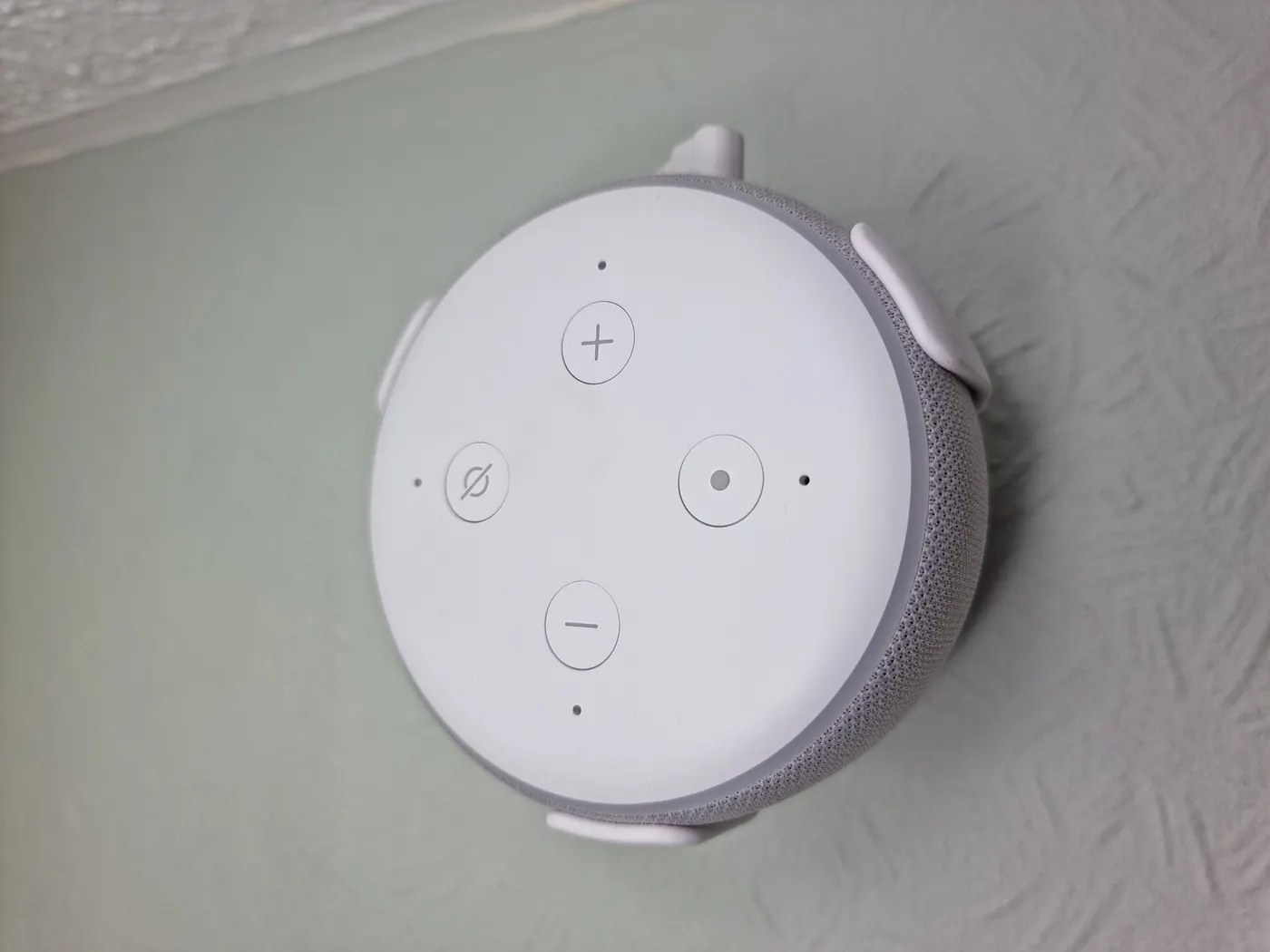
Assistant logos tell you the device worked with that assistant on the day the carton was printed. They are not a commitment, and a badge has never kept a device in an app. The firmware changelog is the honest version of the same information, because it carries dates.
App screenshots are worth even less, because the app is the part most likely to change. What is worth reading is the specification line that names the radio, the line that names the hub requirement, and the rated power in watts, which is the only way to work out running cost for a product category that carries no EnerGuide label.
Under the Competition Act a claim about a product's performance, effectiveness or length of life must be based on an adequate and proper test. That standard applies to a claimed battery life or a claimed range on the carton, and it is a useful filter: a number with no stated test conditions beside it is a number you can put aside.
Before you buy
- Decide the radio and the hub before choosing the first device, and write both down
- Run the unplug test on any device you can borrow or return: disconnect the modem and see what still responds
- Find the firmware release notes and check the date of the most recent entry
- Read the rated power in watts off the plate, because no EnerGuide label exists for this category
- Price the whole basket you would have to replace, not the single device in front of you
- Add GST/HST at your province's rate before comparing a Canadian price with a cross-border one
- Check whether the microphone has a hardware mute and whether the camera records anywhere but the cloud
Questions readers ask
- Do I need a hub if everything I buy is Wi-Fi?
- Not to make it work, but you lose the thing a hub gives you. With Wi-Fi only, each device talks to its own maker's servers, so a routine that spans two brands runs across two clouds. A hub holds the routine locally, which is why it survives an outage. If you only want three plugs on a timer, skip it; at 14 devices it pays for itself in reliability.
- How long should I expect a smart bulb to be supported?
- Longer than the LED needs and shorter than you would like. The LED itself, rated at 25,000 hours and used 3 hours a day, holds about 23 years of light. The firmware and the account do not. Where the manufacturer publishes no support commitment, the safest planning figure is the 5 years used in the basket above, which works out at $118 a year across the whole 14-device set.
- Is it better to buy smart bulbs or smart switches?
- Switches if the fixture has several bulbs, bulbs if it has one. Six smart bulbs in a single fixture cost $150 at the example price and all six have to be told the same thing; one smart switch controls the circuit for less. The exception is colour: a switch cannot change the colour of a plain bulb, so a room where colour matters is a bulb room.
- What actually happens when a brand is discontinued?
- Usually the app stops being updated first, then the cloud service closes, and local control is whatever was already built in. Devices on a hub radio such as Zigbee, Thread or Z-Wave can often be re-paired to a different hub and keep working. Cloud-only Wi-Fi devices generally cannot, which is why the unplug test in the first section is worth five minutes before you buy.
- Does a smart home save enough electricity to pay for itself?
- Not on the devices themselves. The 14-device basket here draws about 36 W around the clock, which is 315 kWh and roughly $47 a year at an assumed 15 cents per kWh. Savings come from what the devices switch off, not from the devices, so the honest comparison is against the heating or lighting load you expect to cut, not against the hardware price.
Sources
- Office of the Privacy Commissioner of Canada — Smart devices and your privacy — checked 2026-11-03
- Natural Resources Canada — EnerGuide label for appliances and room air conditioners (mandatory and voluntary product lists) — checked 2026-11-03
- Canada Revenue Agency — GST/HST rate by province and territory — checked 2026-11-03
- Government of Canada — Recalls and safety alerts database — checked 2026-11-03
Some links on this site can earn us a commission. That does not change which product a guide recommends, and it adds nothing to your price. Advertising is not enabled on this site yet. When it is, ads will be labelled and kept visually separate from the guides.